
Embed Google Sheets Tables on Your Website
Turn your google sheets and other smart spreadsheets into interactive, beautifully styled tables for your website with Zentables. Fast customizable and no code required.
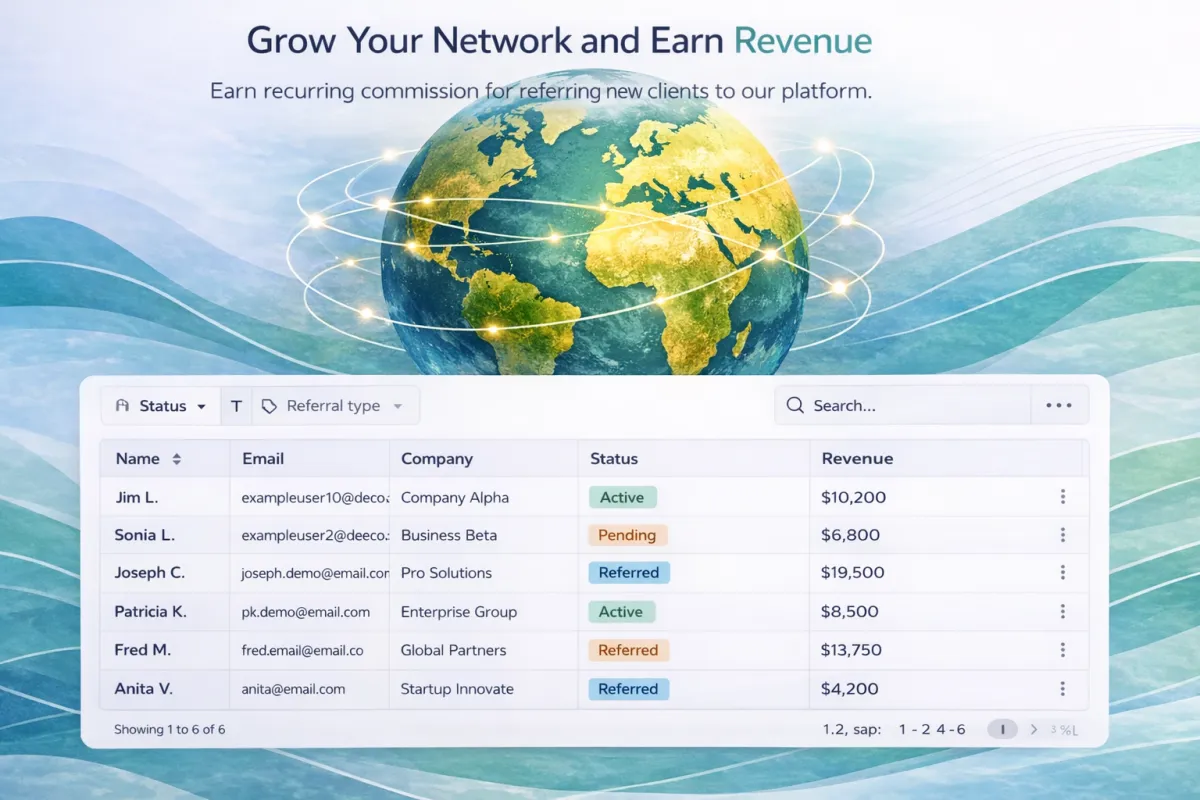
Google Sheets → Styled Table
No code. No plugins. Live on your site in minutes.
Paste your Google Sheet URL
No setup, no API keys, no plugins. Just paste your sheet URL and ZenTables fetches your data instantly.
https://docs.google.com/spreadsheets/d/1AbC...
Pick a Smart Template
Choose from 13 industry templates — badges, currency, and date formatting applied automatically. Zero prompts needed.
Style it your way
Click style chips or type a custom prompt. 11 categories — Themes, Headers, Badges, Numbers, Dates and more.
Let AI style it for you
ZenAI analyzes your columns, detects content types, and styles your entire table in one click — no prompts needed.
| Client | Amount | Status |
|---|---|---|
| John Smith | $1,200 | Paid |
| Sarah Lee | $850 | Pending |
| Mike Davis | $600 | Overdue |
Embed on any website
One snippet. Works on Showit, Wix, Squarespace, GoHighLevel, WordPress. Your table updates automatically when your Sheet changes.
<iframe src='https://app.zen-tables.com/embed/abc123' width='100%' height='400'></iframe>
No Code Required
Embed responsive tables from spreadsheets without code. Fully styled to match your site, sync in real time, secure.
Fully Customizable
Customize styles, filters, and columns to match your brand. Save templates, export data, and set viewing permissions.
Sync Automatically
Automate sync with Google Sheets and other sources. Edits update live on your site, with history and secure access.
ZenAI Assistant
Get AI-Powered suggestions to style,organize,and optimize your tables instantly
Upgrade To ZenAI
Unlock AI-powered table styling and optimization with ZenAI. Save hours and get beautifully customized tables in seconds.
The Easiest Way to Embed Data Tables
1. Connect Your Spreadsheet
Connect your spreadsheet to SheetFlow in two clicks. Secure auth, instant field mapping, preview before going live.
2. Customize Your Table
Customize filters, sorting, and styles via clicks. Save templates, share views, and set edit/view permissions now.
3. Optmize with ZenAI(Optional)
Instantly enhance your tables Simply describe what you want, and ZenAI helps optimize readability, searchability, and presentation in seconds.
4. Embed Anywhere
Copy an embed snippet and paste it into any site or CMS. Instant responsive embed with edge caching, fast delivery.

Innovation
Fresh, creative solutions.

Integrity
Honesty and transparency.

Excellence
Top-notch services.
Zentables LLC
5900 Balcones Drive
Austin, TX 78731
United States
FOLLOW US


COMPANY
CUSTOMER CARE
LEGAL
© 2026 Zentables. All rights reserved.