The Best Free Plugin to Embed Google Sheets in WordPress
The Best Free Plugin to Embed Google Sheets in WordPress
WordPress powers over 40% of all websites on the internet — and a huge number of those sites have data that lives in Google Sheets. Service lists, pricing tables, team directories, event schedules, inventory tables. The challenge is displaying that data on a WordPress page without it looking like a raw spreadsheet.
There are a few plugins that claim to solve this problem. Here's an honest breakdown — and an introduction to the simplest free option available today.
What Most Google Sheets WordPress Plugins Get Wrong
Most plugins that connect Google Sheets to WordPress work in one of two ways: they either require Google API credentials (a developer-level setup involving OAuth and API keys in the Google Cloud Console), or they display the raw Google Sheets embed — completely unstyled, identical to viewing the sheet in a browser.
Neither option is good for non-technical users who just want a clean, branded table on their WordPress page without spending an hour in the Google Cloud Console.
Sheet Embed by zen-tables
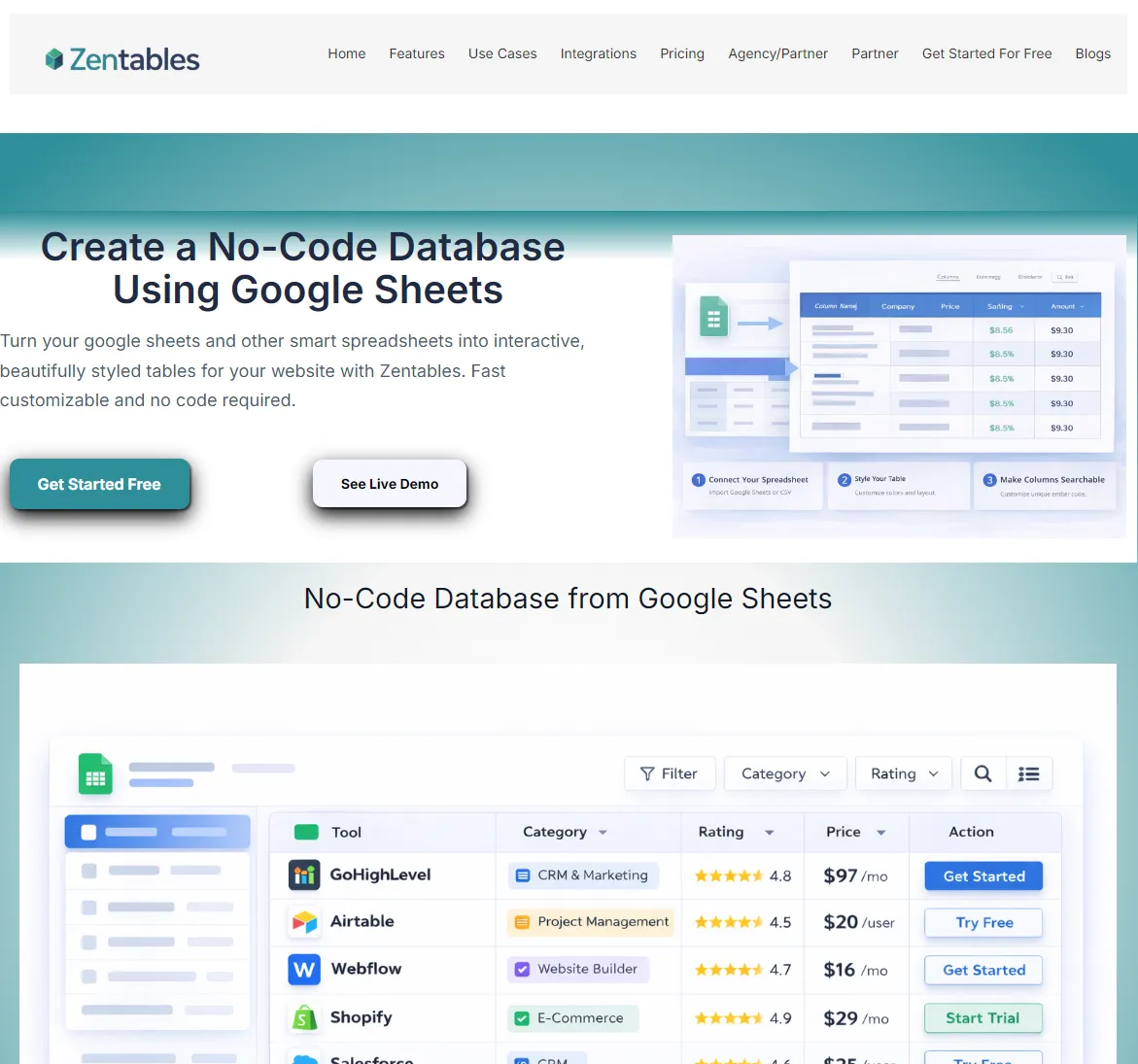
Sheet Embed by zen-tables is a free WordPress plugin that takes a completely different approach. Instead of connecting directly to the Google Sheets API, it uses zen-tables' embed system. You style your table once at zen-tables.com, then embed it on any WordPress page or post using a simple shortcode. Setup takes under 2 minutes and requires zero API credentials.
How to Install and Use It
1.Go to your WordPress dashboard → Plugins → Add New
2.Search for 'Sheet Embed by zen-tables' → Install Now → Activate
3.Go to zen-tables.com and create your styled table (free plan available)
4.Copy your embed URL from the Get Embed Code panel
5.On any WordPress page or post, add this shortcode:
[zentables url="https://app.zen-tables.com/embed/YOUR_TABLE_ID" height="600"]
6.Publish your page — your table is live and updating automatically
Features
• Live data — updates automatically when the Google Sheet changes
• AI styling — style your table with plain English using ZenAI
• Smart Templates — one-click industry styling (Invoice Tracker, Job Board, CRM, Property Listings)
• Search and filter — visitors can search table data (Pro plan)
• Mobile responsive — tables adapt to any screen size
• No API credentials required — works out of the box
• Compatible with all major WordPress page builders — Elementor, Divi, Gutenberg, WPBakery
Who It's For
Sheet Embed by zen-tables is ideal for:
• Small businesses displaying service menus or pricing managed in Google Sheets
• WordPress developers building client sites who need a quick, clean data display solution
• Bloggers and content creators publishing curated lists or comparison tables
• Nonprofits and organizations displaying event schedules or member directories
• Real estate agents displaying property listings updated in Google Sheets
Frequently Asked Questions
Is the plugin free?
The WordPress plugin itself is completely free. It connects to your zen-tables account, which has a free plan including 3 tables. Paid plans start at $19/month for unlimited tables.
Do I need to know how to code?
No. The shortcode is the only technical step required, and it's a simple copy-paste. No PHP, no CSS, no JavaScript needed.
Does it work with Elementor and other page builders?
Yes. The shortcode works in any WordPress content area, including Elementor's Shortcode widget, Divi's Code module, Gutenberg's Shortcode block, and the classic WordPress editor.
How often does the table data refresh?
The table reads from your Google Sheet in real time. Changes appear in the embedded table within seconds of being made to the sheet.
Get the Plugin
Search 'Sheet Embed by zen-tables' in the WordPress Plugin Directory, or go to zen-tables.com for the full guide and setup instructions.